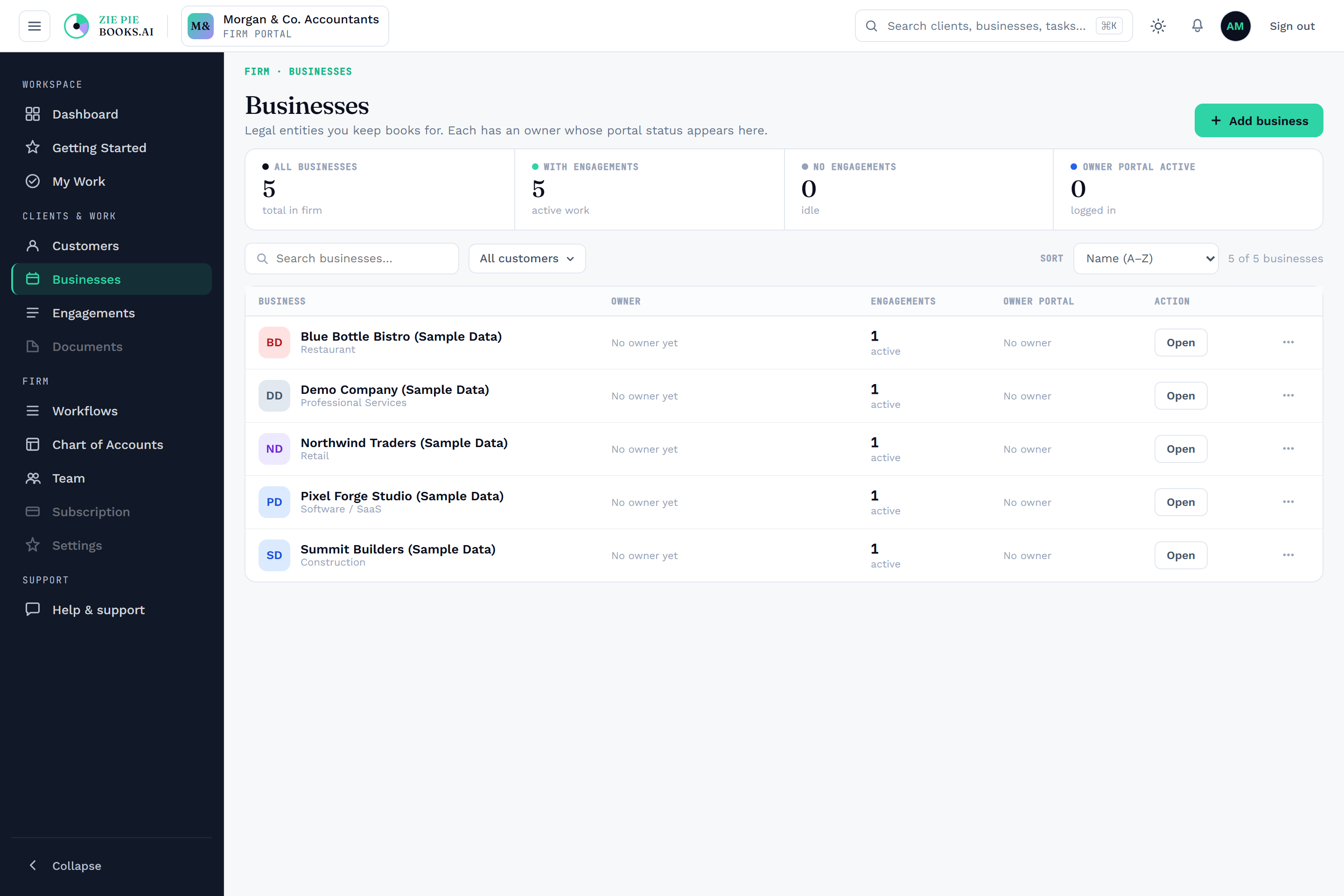
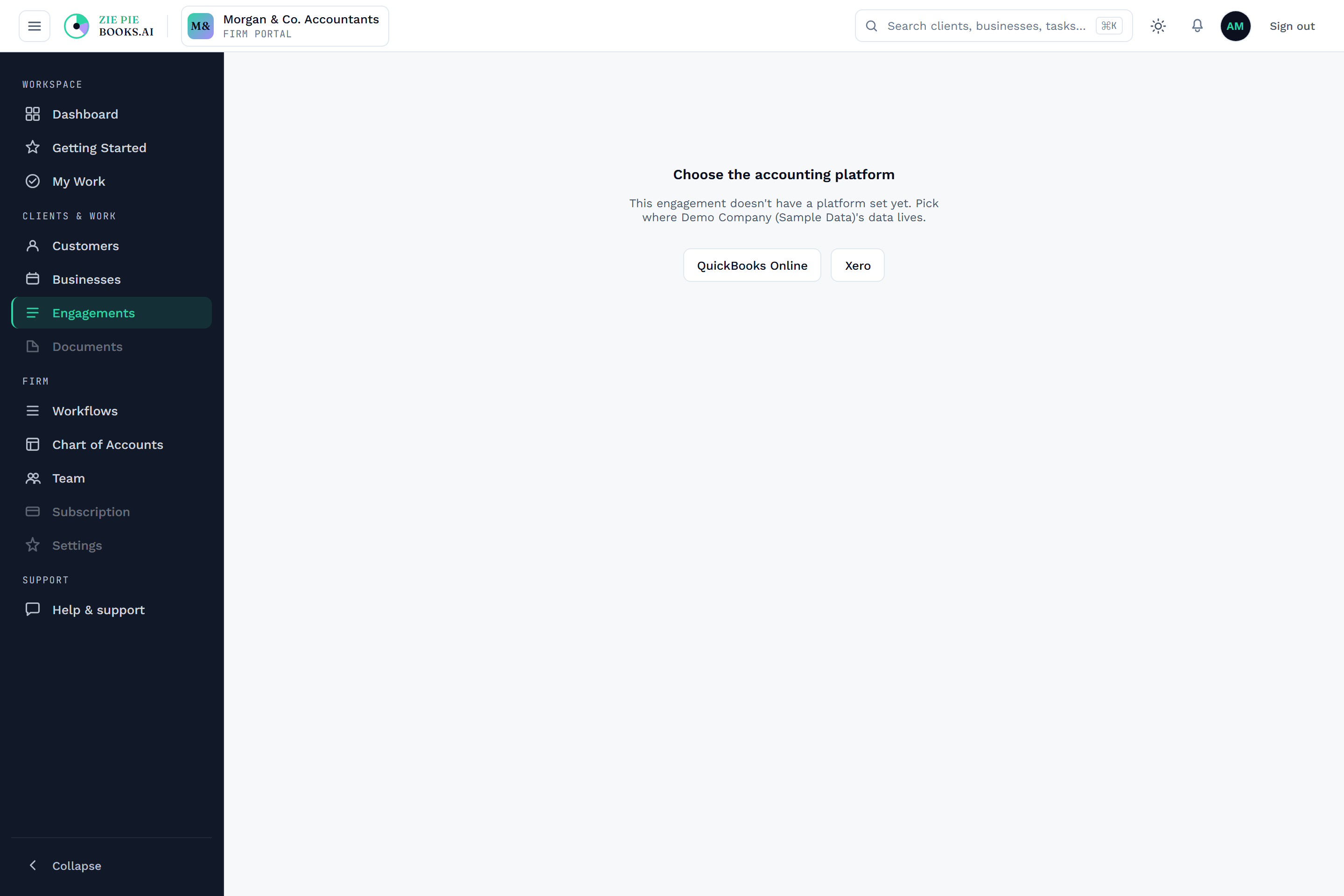
Where does the firm actually stand this week?
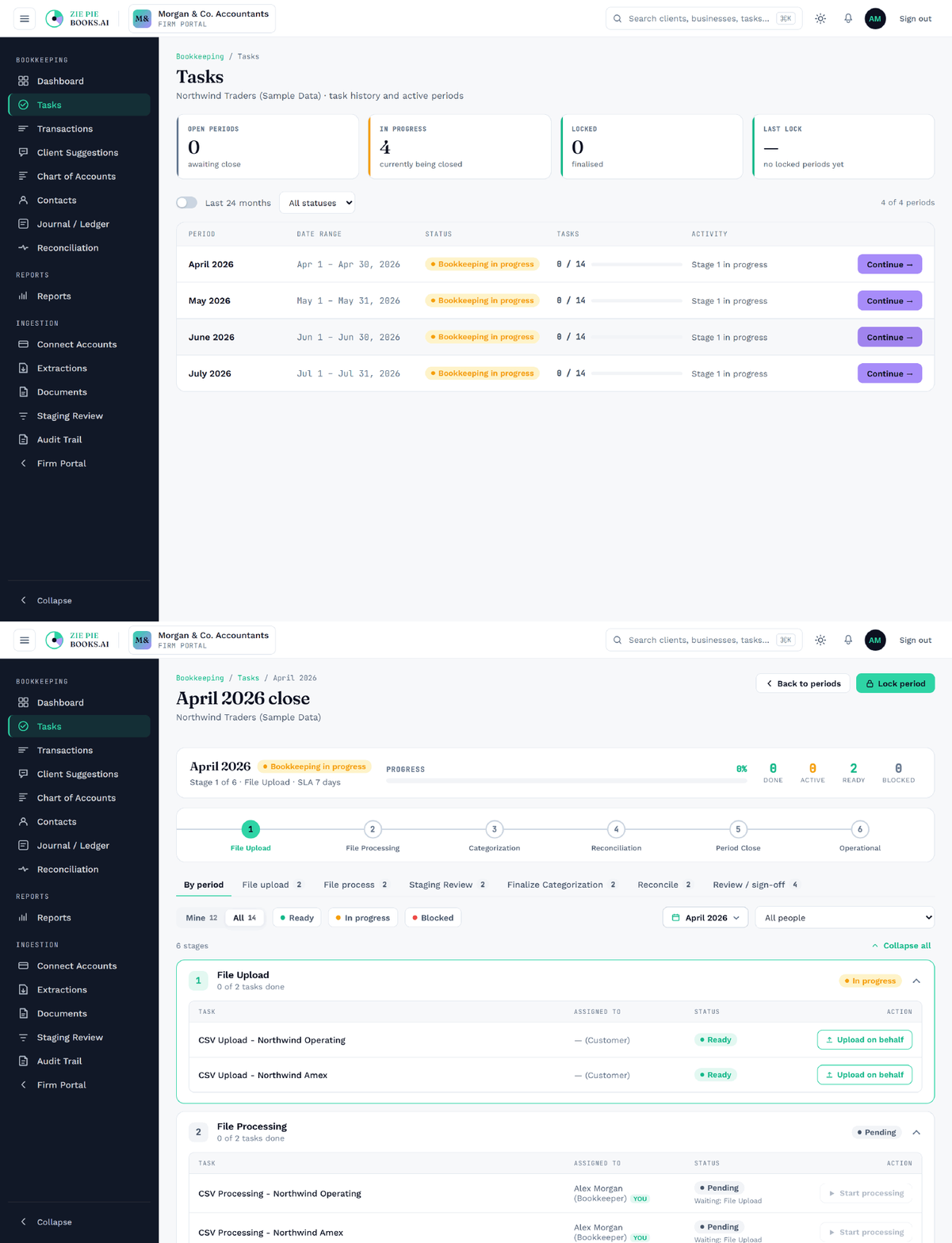
Firm ownerOne live dashboard shows every client, engagement, and period, whether it's active, overdue, ready to close, or paused, current to the second. The whole practice on one screen.

What it solves
The question and the answer up top, the screen it happens on right below. Filter by what matters to your firm.
One live dashboard shows every client, engagement, and period, whether it's active, overdue, ready to close, or paused, current to the second. The whole practice on one screen.

Your clients' books move under your firm's roof into one system you control. You keep them as long as you choose, export them whenever you want, and they stay fully isolated from every other firm.

Send one link. The client verifies by email, shares which banks they use, uploads what's needed, and acknowledges the engagement, all in one place and all recorded. Nothing handled offline, nothing lost.

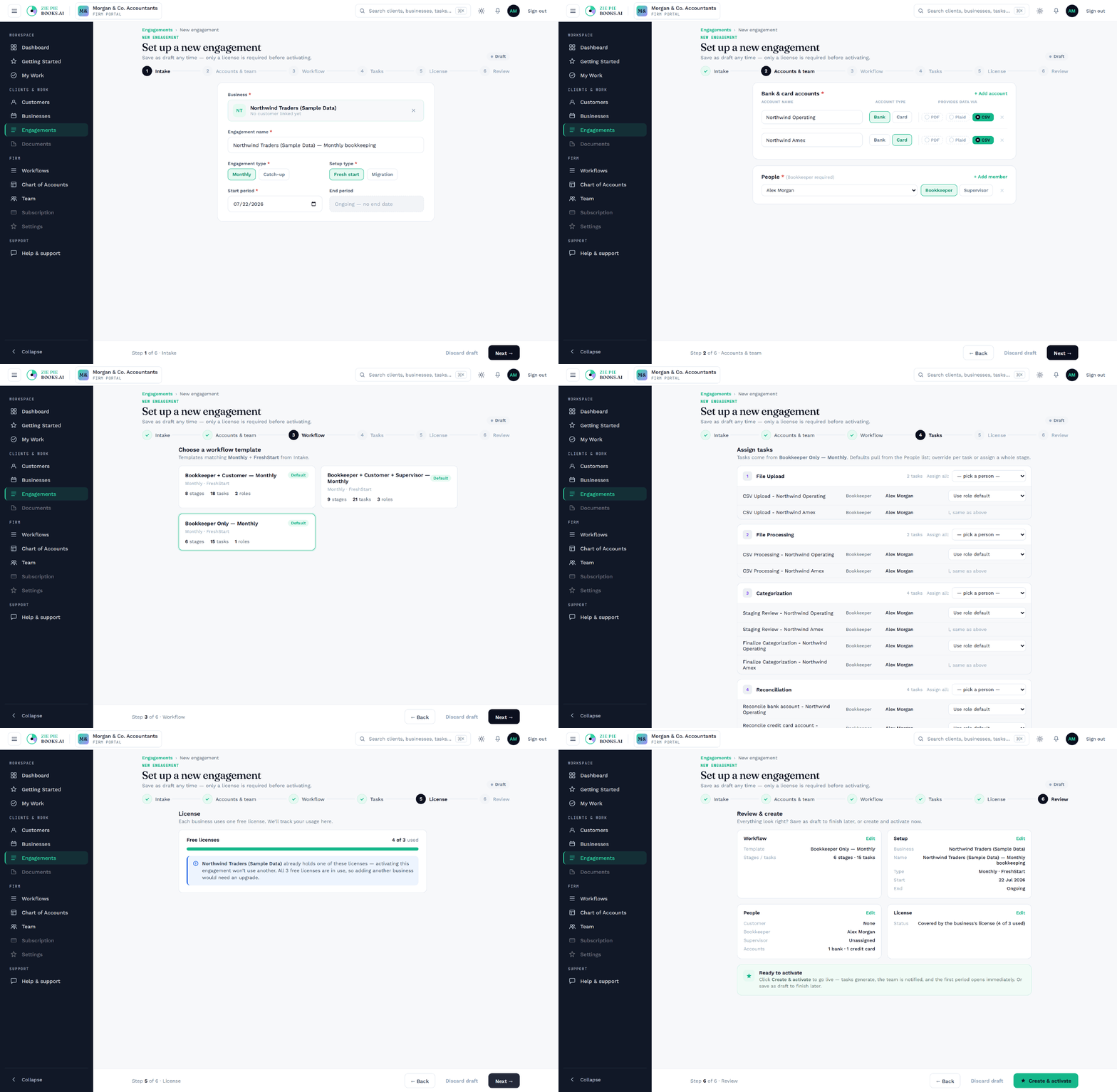
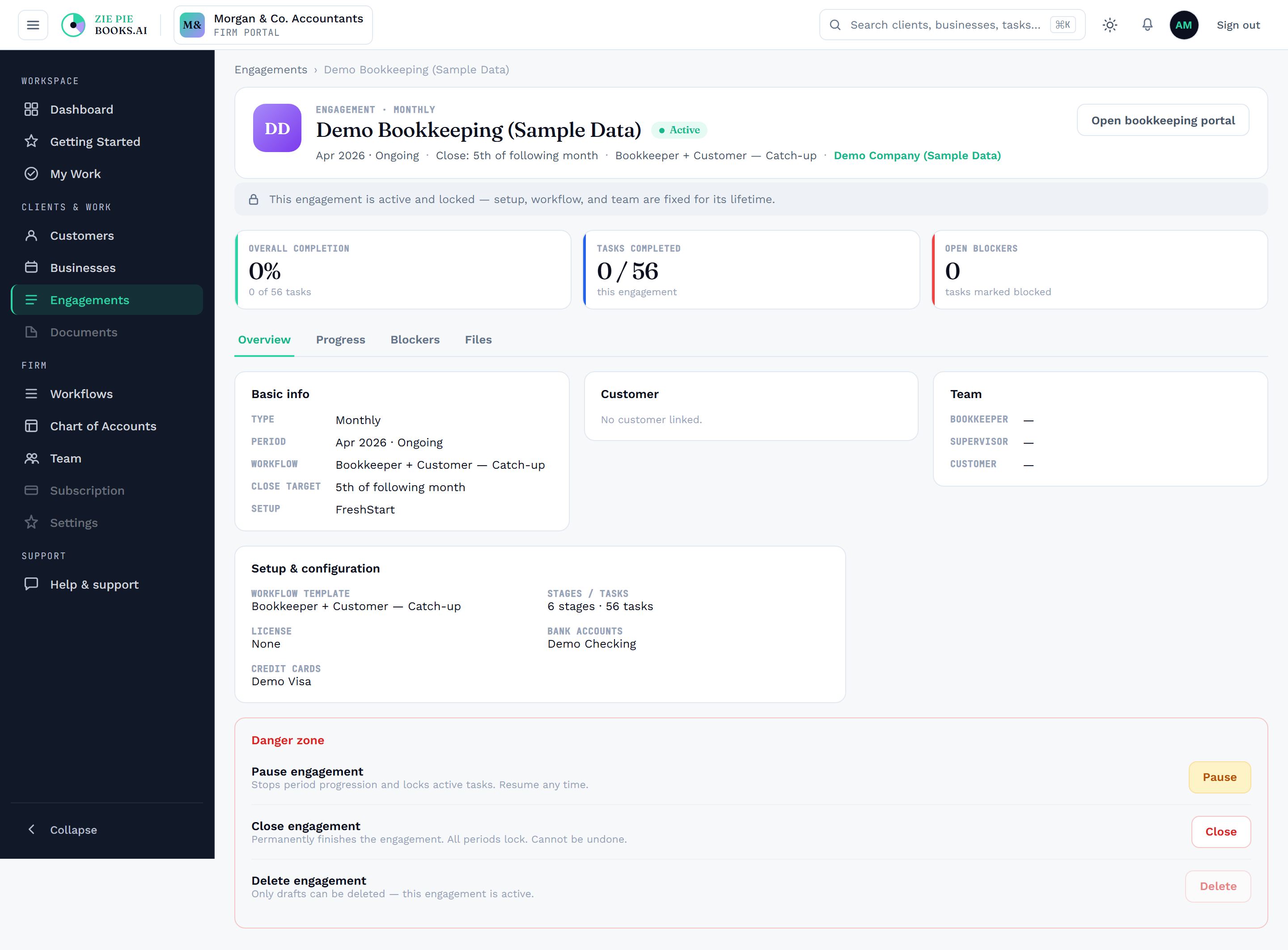
When you activate an engagement, the system generates every month and every task across it at once, so you see the entire workload on day one and can resource it.

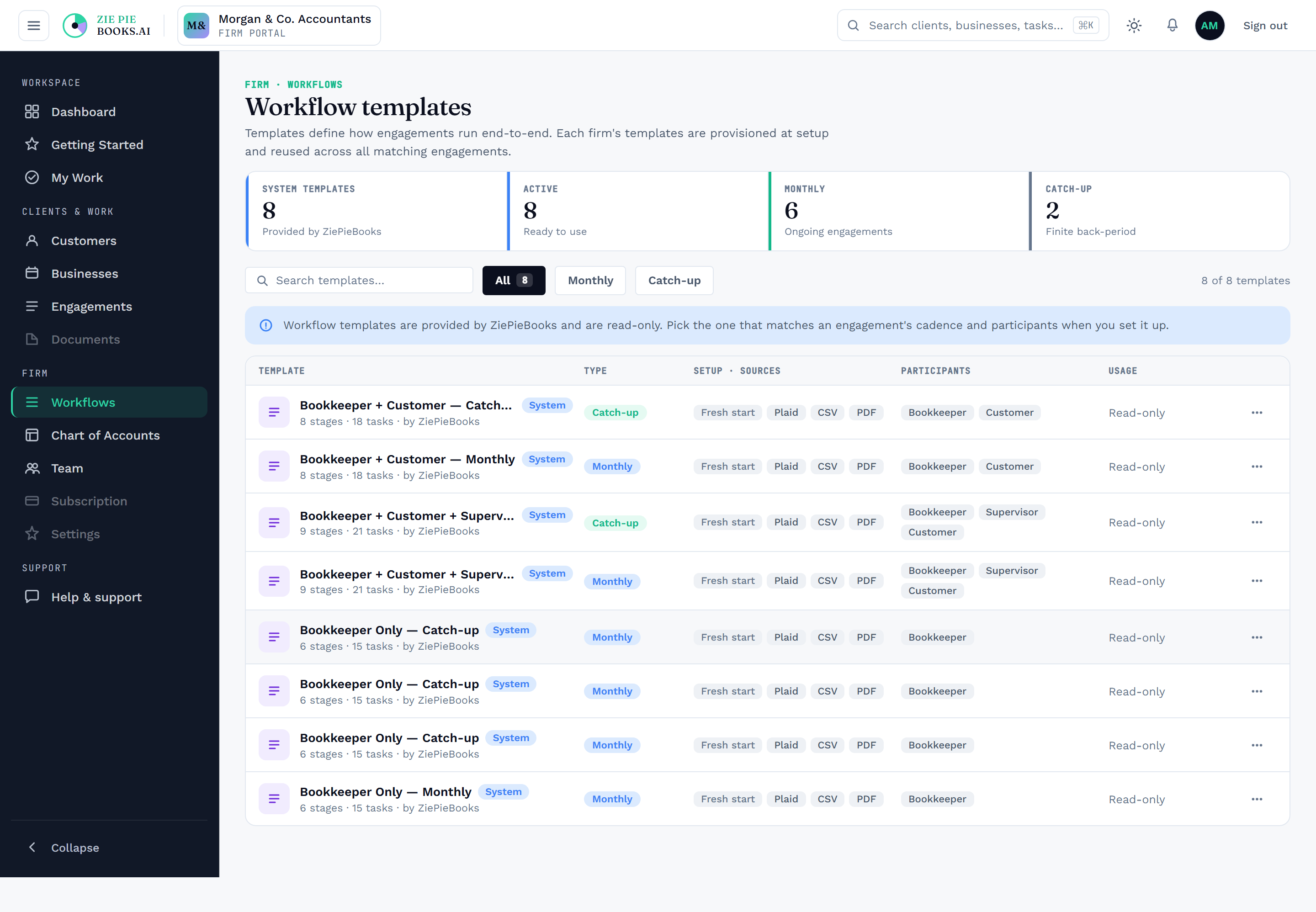
Reusable workflow templates capture your firm's standard stages and tasks once. Every engagement runs on a template, and tasks generate themselves per period, per account, or per event.

Tasks route in order: bookkeeping, review, sign-off, then client sign-off. The next period unlocks only when the last is done. Everyone gets a personal queue, and managers get the firm-wide view. You're not the one chasing it, either: notifications fire at the right moments, when a client needs to review or when work is ready, and new monthly periods open on schedule, so the work appears without anyone remembering to create it.

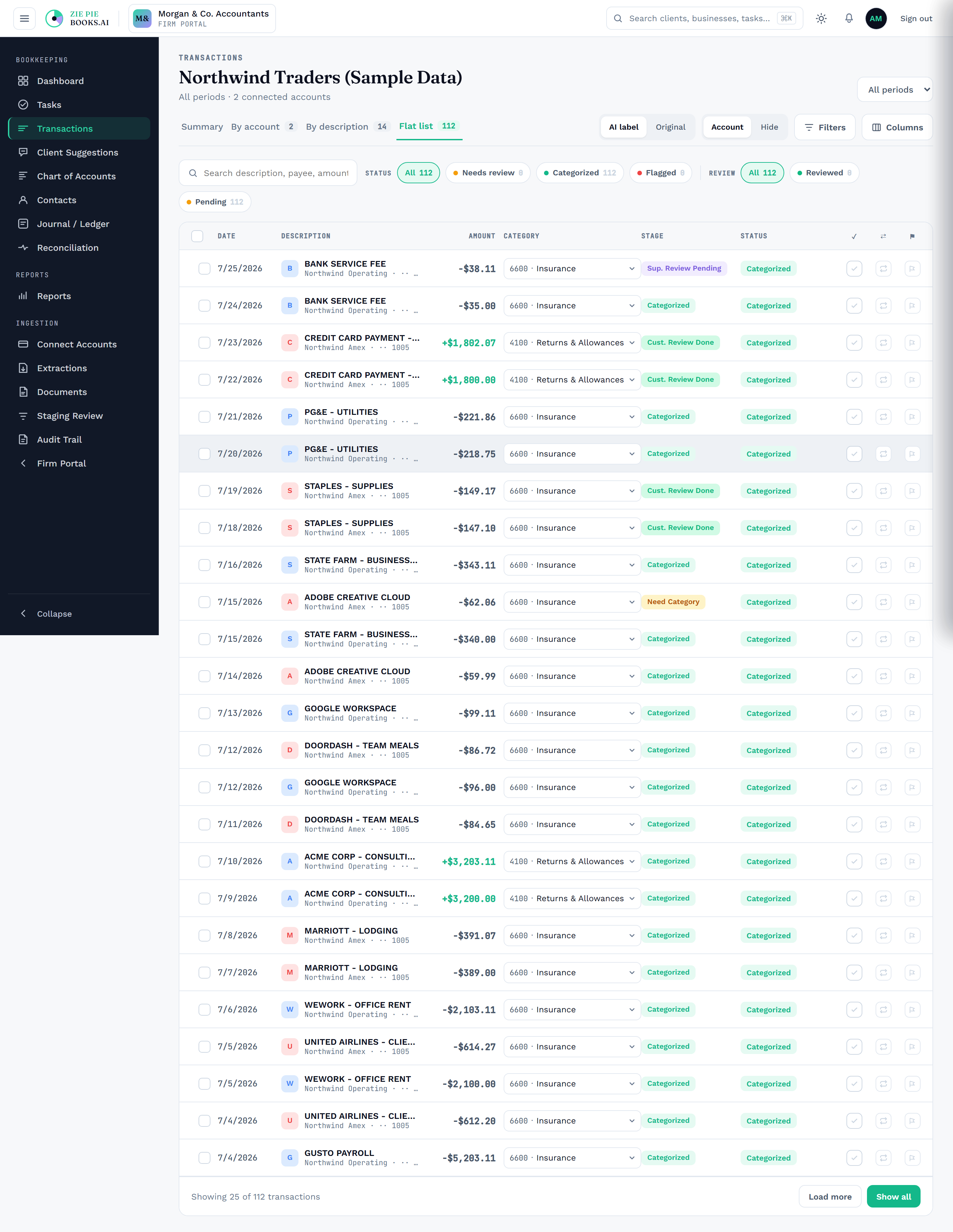
Raw bank text is noisy: the same charge arrives forty different ways. Every transaction gets a clean description with the noise stripped out, and the ledger groups by it. A twelve-hundred-line month collapses to roughly forty real descriptions, so you make forty decisions instead of twelve hundred. Group by account instead to see the same month through your chart of accounts, and flip a toggle to read the original bank text any time.
Capture /bookkeeper/{id}/transactions with group-by-description active and groups
collapsed. The story only lands if the shot shows a big transaction count resolving into a
short list of grouped descriptions — ideally with the raw/clean toggle visible.
Bulk update handles the whole group at once. Select a description group, or any set of rows, and apply it in one action: assign a category, flag, mark reviewed, or send the batch to a supervisor or to the client. If the right account doesn't exist yet, create it inline without leaving the screen. Clients get bulk update too, so their review is one pass instead of a hundred clicks.
Same screen as 07, but with a group selected so the bulk update toolbar is showing:
a meaningful "N selected" count plus Categorize / Flag / Submit for review / Mark reviewed.
A short GIF (select group → pick a category → rows update) would land harder than a still —
if you go that route, name it flow-bulk-update.gif and add
qbox-screen--gif.
The system checks your firm's own approved history first, matching descriptions you've already categorized straight to their account, and only calls on AI for the ones you've genuinely never seen, each with a confidence score. When nothing on the chart fits, it proposes a new account rather than forcing a bad match.

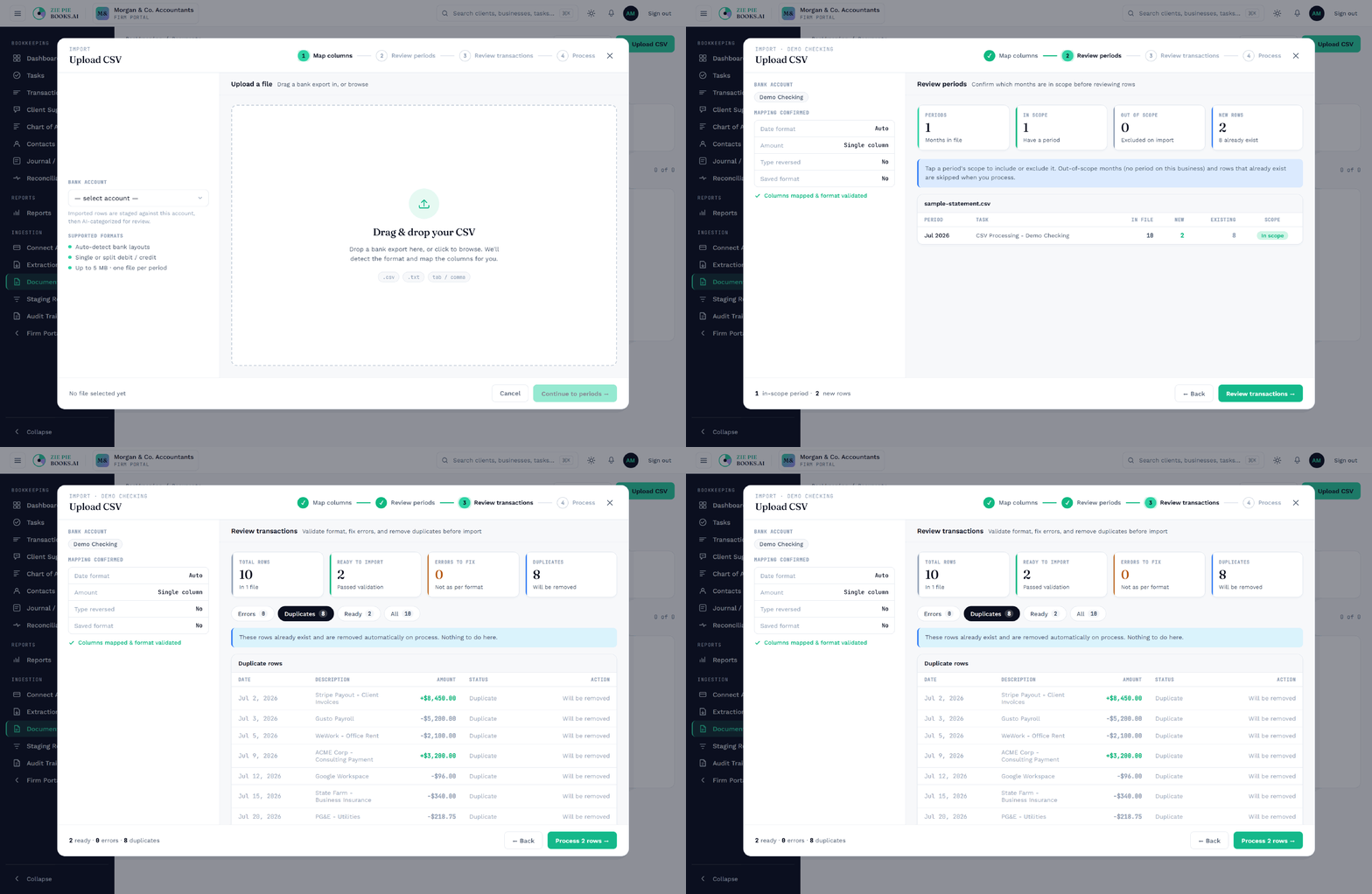
Connect a bank and transactions flow in automatically. Upload a PDF or CSV, even a full year in one file, and the platform reads it and drops the transactions straight into review, with duplicate statements caught on the way in.

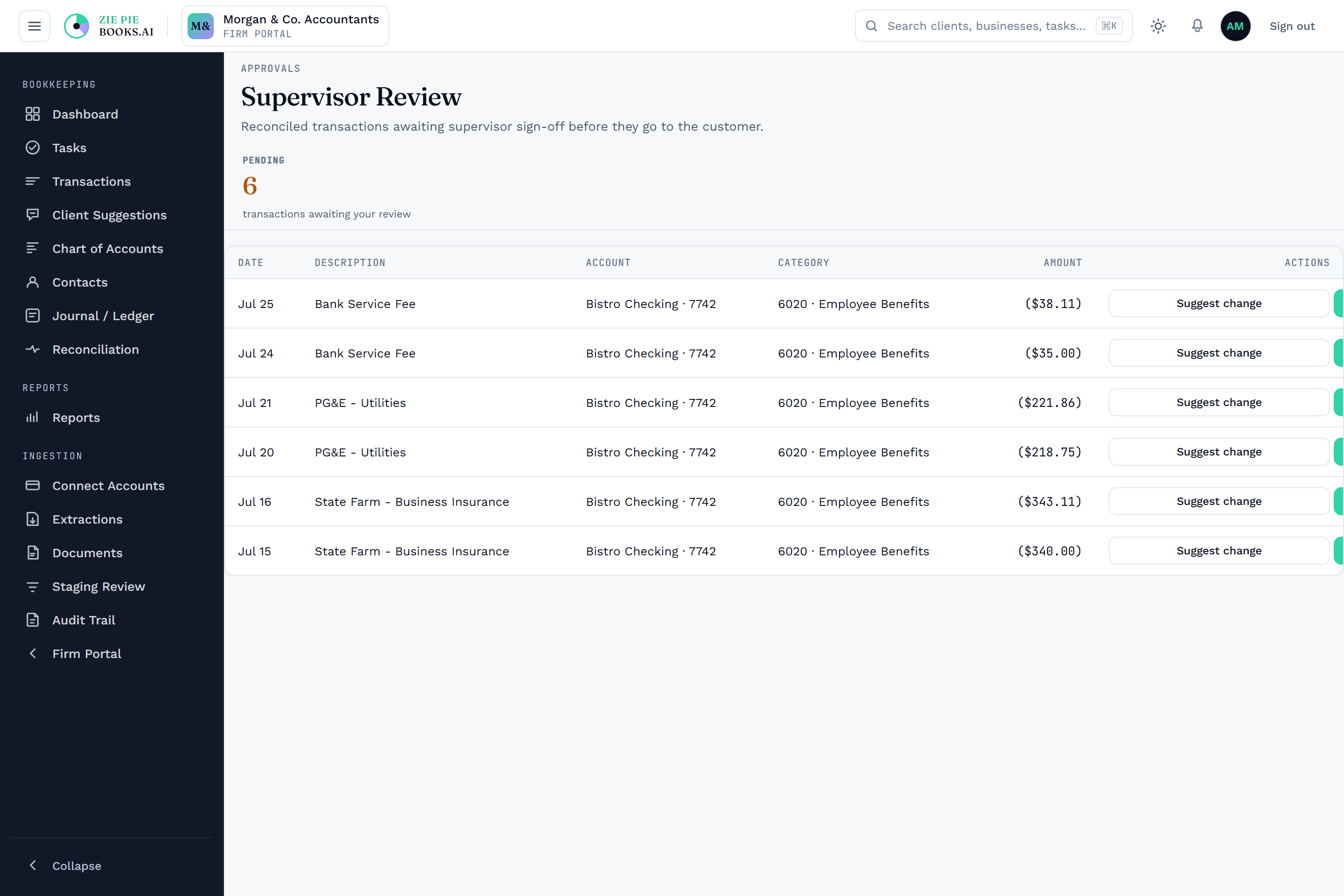
Every transaction moves through a recorded approval chain: bookkeeper, reconciliation, supervisor, client, then accountant. Each step is its own permanent history entry. Clients review and approve their own actual transactions in a secure portal and sign off on closed periods, and nothing closes without passing through.

Four fields: the cleaned description, the amount, whether it's a debit or a credit, and whether it's a bank or credit-card line. The model sees "AMZN MKTP US", 42.10, Debit, Bank and answers with a category. We never send client names, account numbers, bank credentials, balances, or contact records. Most transactions never reach AI at all, because your firm's approved history is checked first. Repeats are collapsed before the call, so forty Amazon lines are one question. And every AI call is written to the same tamper-evident audit trail as everything else.
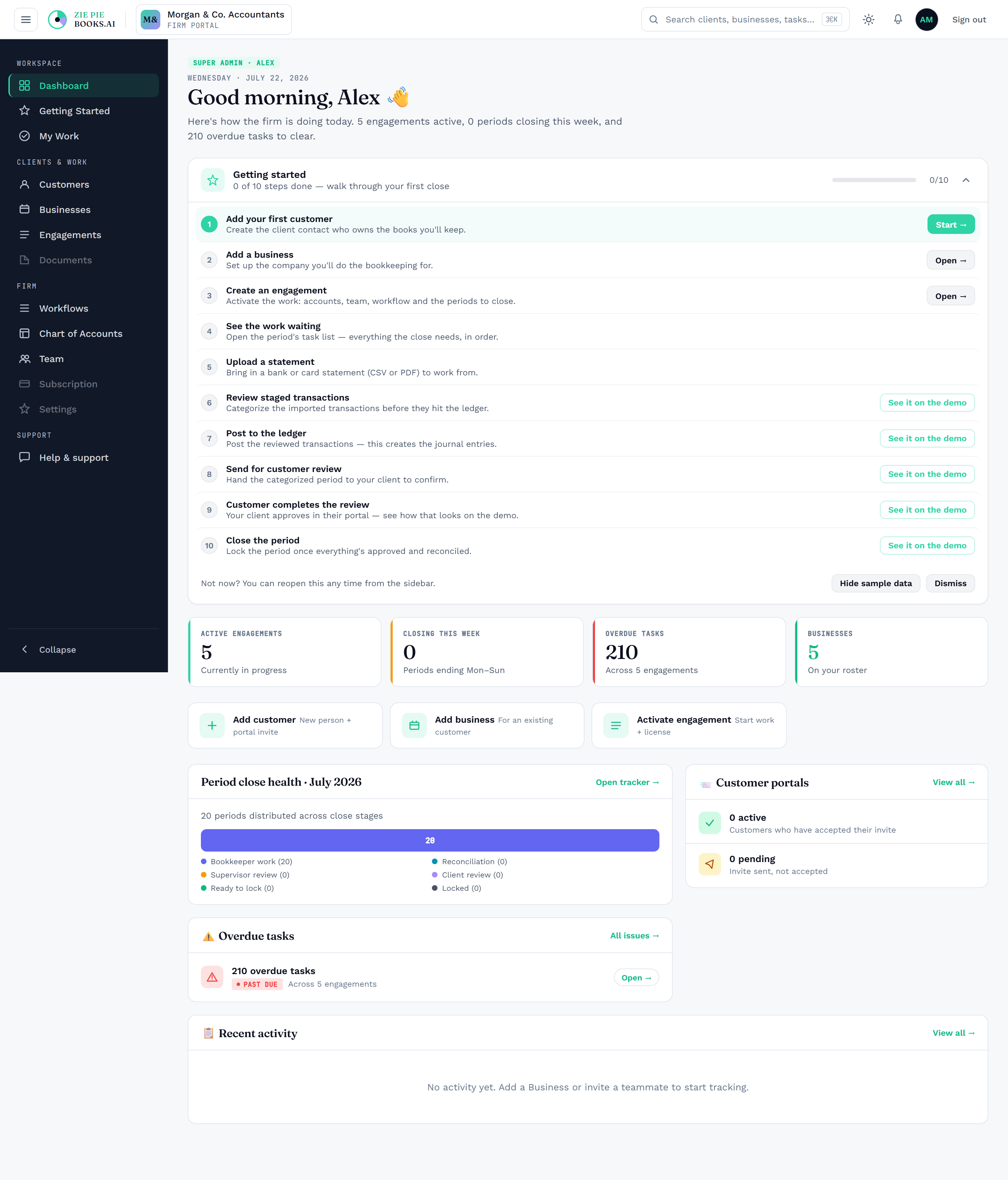
This screen doesn't exist in the app yet — it needs designing and building first.
Full design brief: docs/design-brief-ai-trust-center.md in the ZiePieBooks app repo.
The hero is the two-column payload card: the four fields we send on the left,
the long list of what never leaves on the right.
Every category a human approves is remembered against that description, and it's remembered from every direction: a bookkeeper's first pass, a reclassification after posting, even a client's correction in their own portal. All of it teaches the same memory, so the next month's identical line lands on the right account before anyone touches it. A review queue shows what's been inferred, with approve and reject, and an accuracy view shows how often it's landing correctly. It's a memory you can audit and overrule, not a black box that drifts.
The screen exists at /bookkeeper/{id}/ai-review (Pending review + Accuracy report tabs),
but it's missing the Source column — the thing that proves learning comes from
bookkeeper, client correction, and post-posting reclassification alike. Add that column,
then capture with a mix of sources visible.
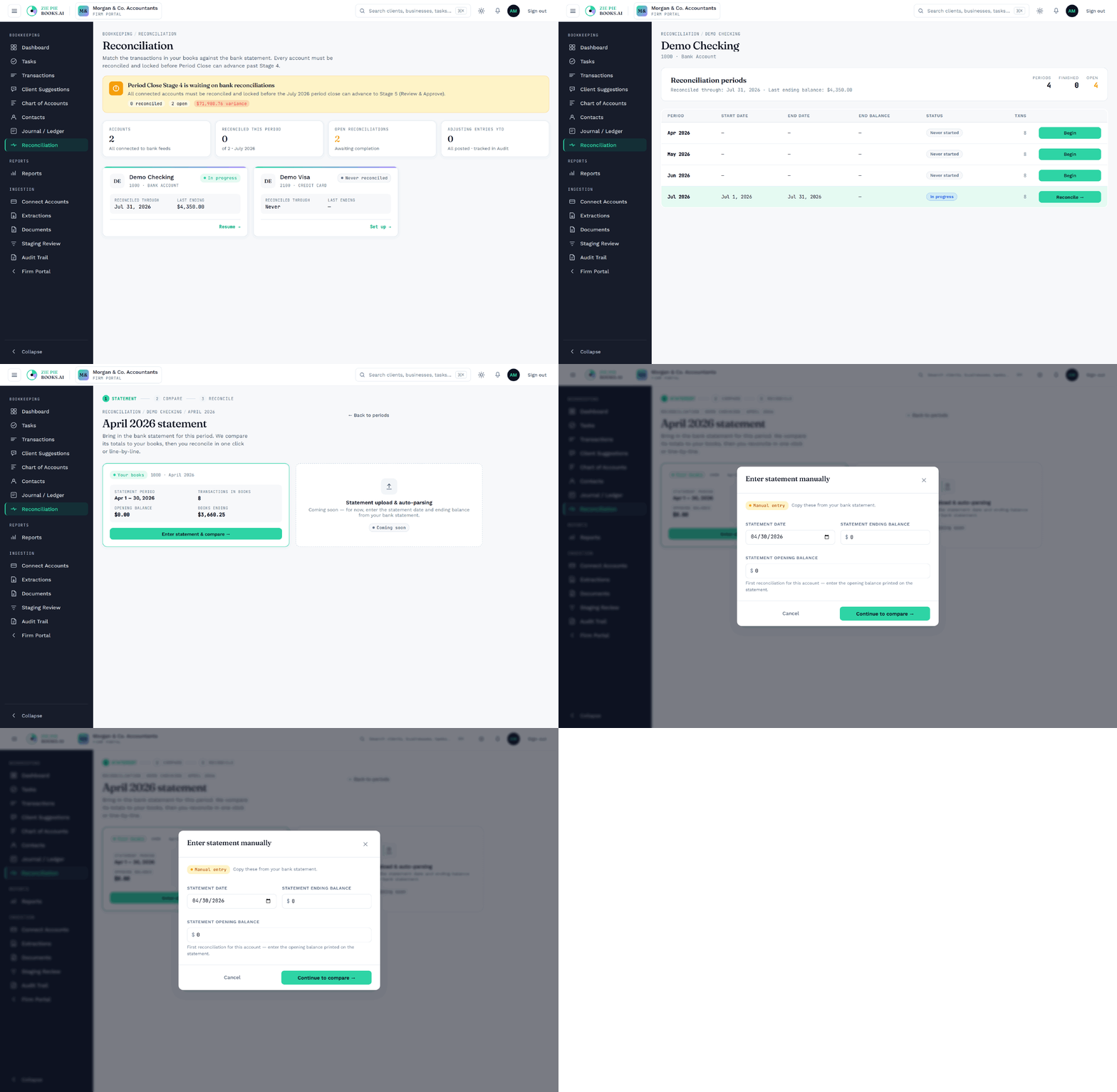
A reconciliation workspace matches against the statement and validates the cleared balance, then routes everything into approval. Outstanding items carry forward correctly. Sign off, lock the period, and it's immutable.

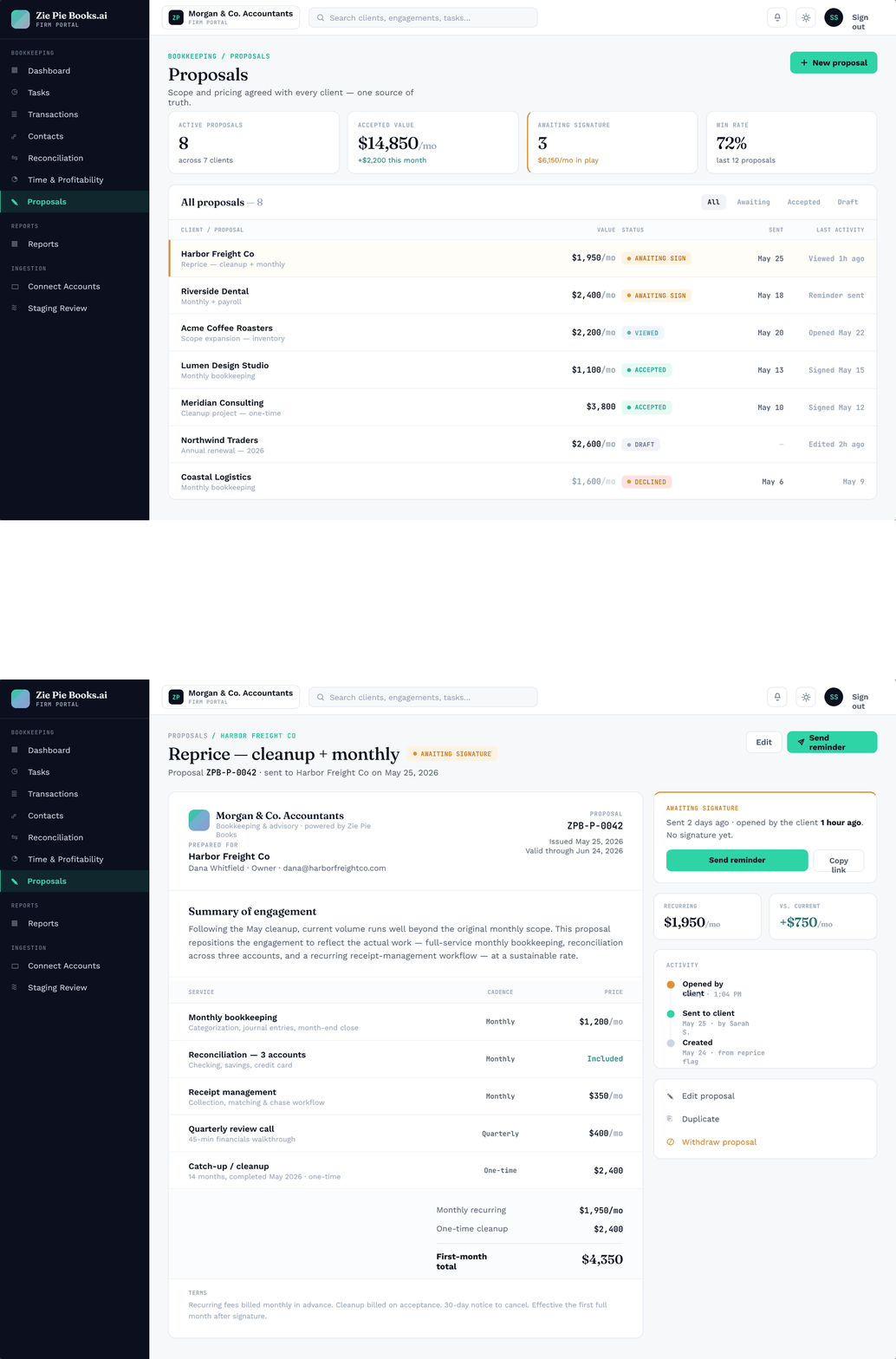
Capture scope and pricing in a structured proposal, with line items, cadence, quantities, discounts, and deposit, that becomes a live engagement on acceptance. Negotiation happens as recorded notes, not a mail thread. When scope changes, amendments are proposed, signed, and applied with a clear before-and-after trail.

Cash-flow projection reads your posted history and projects forward month by month: inflows, outflows, and closing balance, with the projected date you run out of cash if the trend holds. Owner-ready reports you can generate and send straight from the platform.
An existing flow-cashflow.gif is on file but shows a 13-week projection;
the real screen is /bookkeeper/{id}/owner-report → Cash Flow Forecast tab,
which is monthly and headlines a projected shortfall date. Re-shoot from the real screen —
ideally the shortfall state, since that alert is the strongest moment. Keep the old GIF only
if you confirm it matches what ships.
A What Changed view puts this period against the last and shows what actually drove the difference, account by account, so the client call is a two-minute answer instead of an afternoon in spreadsheets. Alongside it, the same screen catches what shouldn't be there: duplicate detection surfaces suspected pairs with the reason each was flagged, and dismissing a false positive once makes it stay dismissed. A rolling trial balance and a reconciliation-mismatch report round it out, catching books drifting from the bank before close.
Screen is built and ready to shoot: /bookkeeper/{id}/reports →
What Changed tab. Capture the digest grid at the top with a few categorized
movements populated, on a business with real posted activity across several months.
This box also carries the duplicate-detection claim, so either extend the shot to include the
Duplicates & Recon tab (open pair + dismissed pair visible) or add a second
image named p17b-duplicates.png.
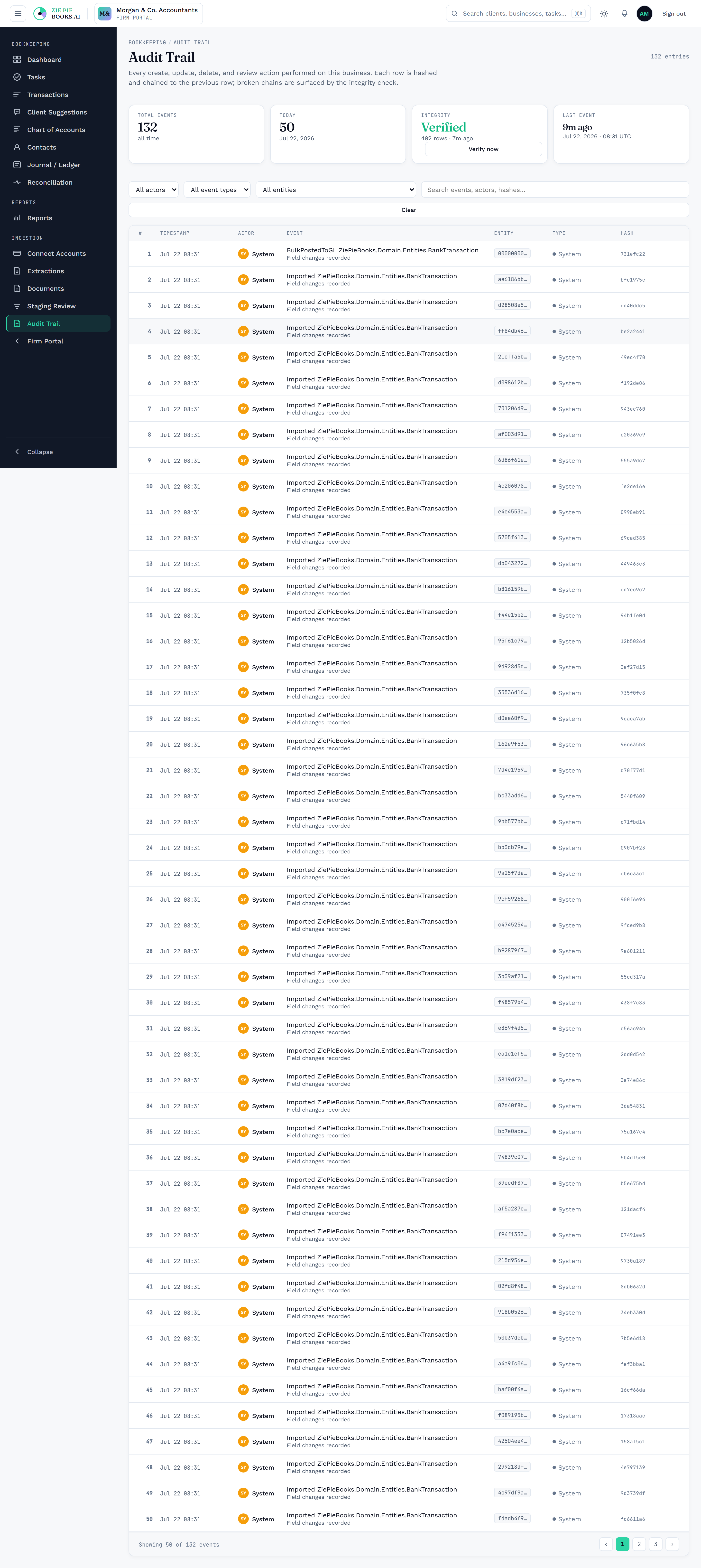
Changes are written to a cryptographically chained log and re-checked every night. Journal entries carry their own approval lifecycle and per-entry history, and every account has a full ledger with a running balance. If someone altered a closed record, the chain wouldn't line up and you'd catch it.

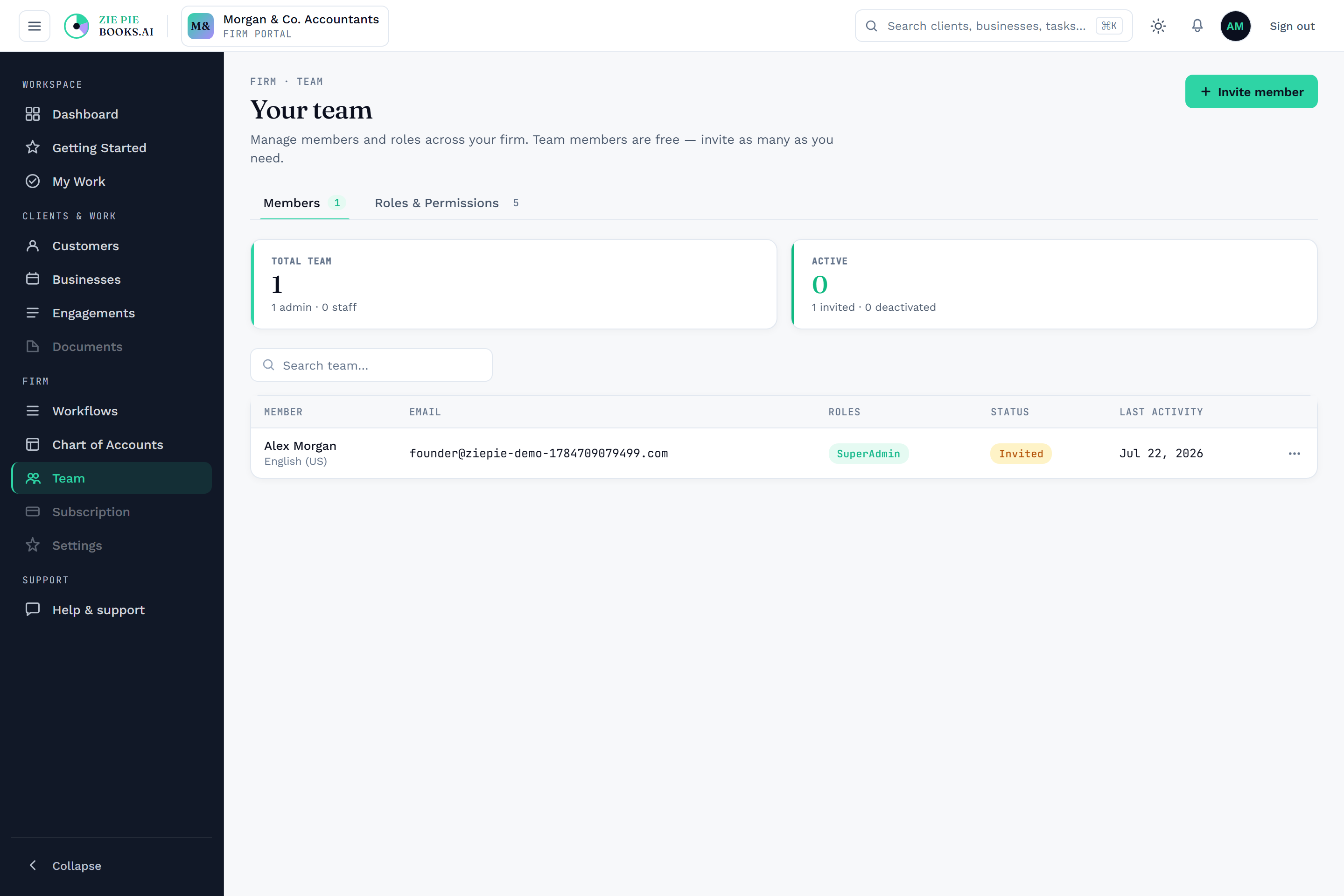
Granular, role-based permissions for bookkeepers, supervisors, accountants, and more, enforced at every action rather than just by hiding a button. Each firm's data is isolated at the database level, so a query that tried to read another firm's rows would return nothing. The same standardization applies to the books themselves: hold your chart of accounts as a firm template and reuse it across engagements, so every client is structured the same way instead of drifting client by client.

Connect your QuickBooks or Xero account, preview exactly what's coming over, then import category by category or all at once, with clean opening balances carried forward. Coming over is gradual and reversible, not a cliff.

Free to start. Create your account, load the demo data, and see every answer on your own screen.